Get ready for real network work, without touching real gear
Free hands-on labs for switching, routing and firewalls. Learn the commands, fix real-world tickets, and build the skills network and support teams use on the job. No account, no install.
Start with the Switch LabSee what is inside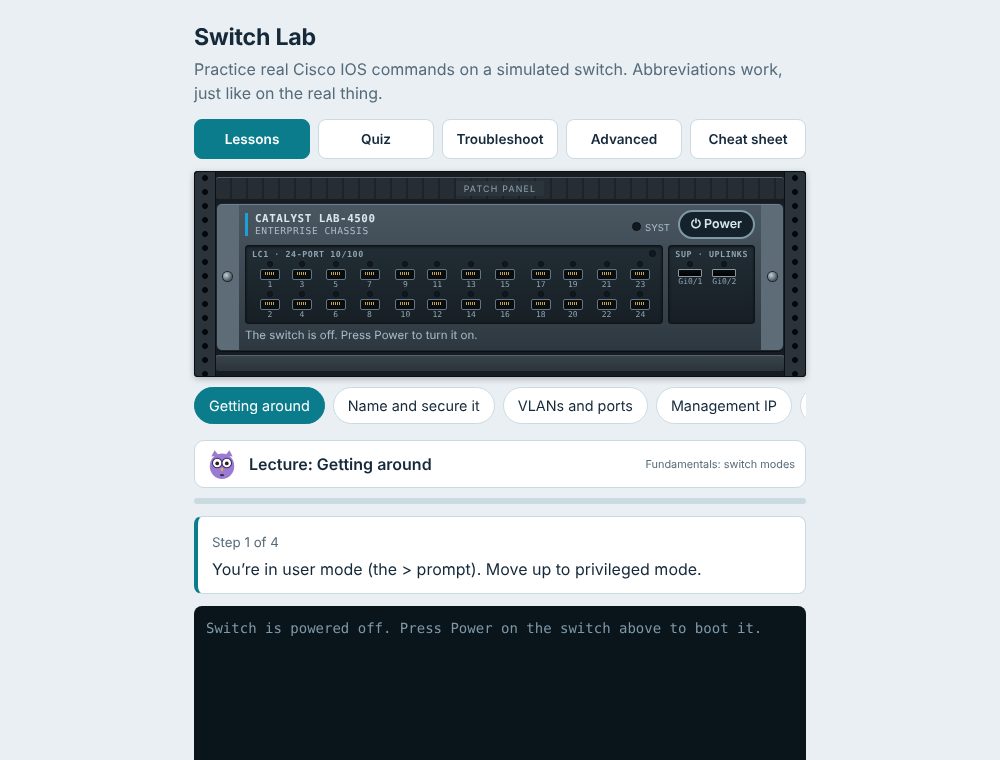
Switch Lab: what is inside
Guided lessons
34 step-by-step lessons from first login to VLANs, trunks, spanning tree, EtherChannel, security and operations. Each has a short spoken lecture.
Day-one support track
PoE, cabling and optics, find-the-device, backup and restore, and the diagnostic toolbox: the daily work of a support desk.
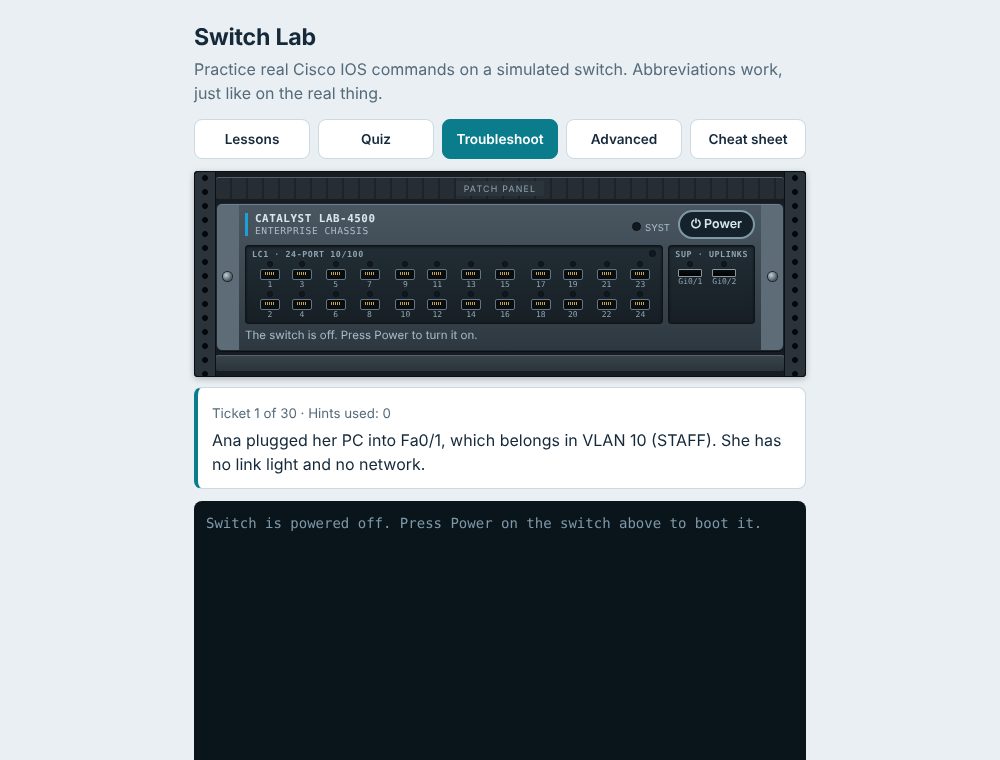
Troubleshooting tickets
Fix faults from a bad cable to a dim SFP, a spanning-tree surprise or a DHCP snooping block. Hints are there when you need them.
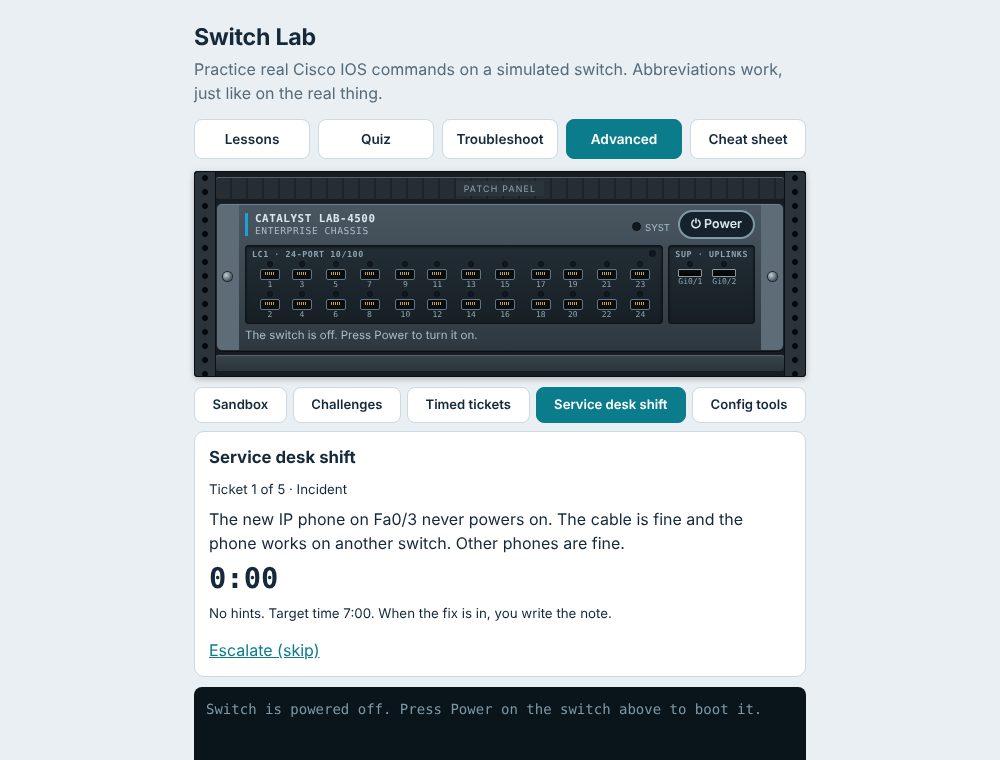
Service desk shift
A mixed queue of faults and change requests. You are scored on the fix and on the ticket note you write, the way a real team lead would review it.
Sandbox and challenges
A free-form switch, goal-based challenges, timed tickets, and config import with a before and after diff.
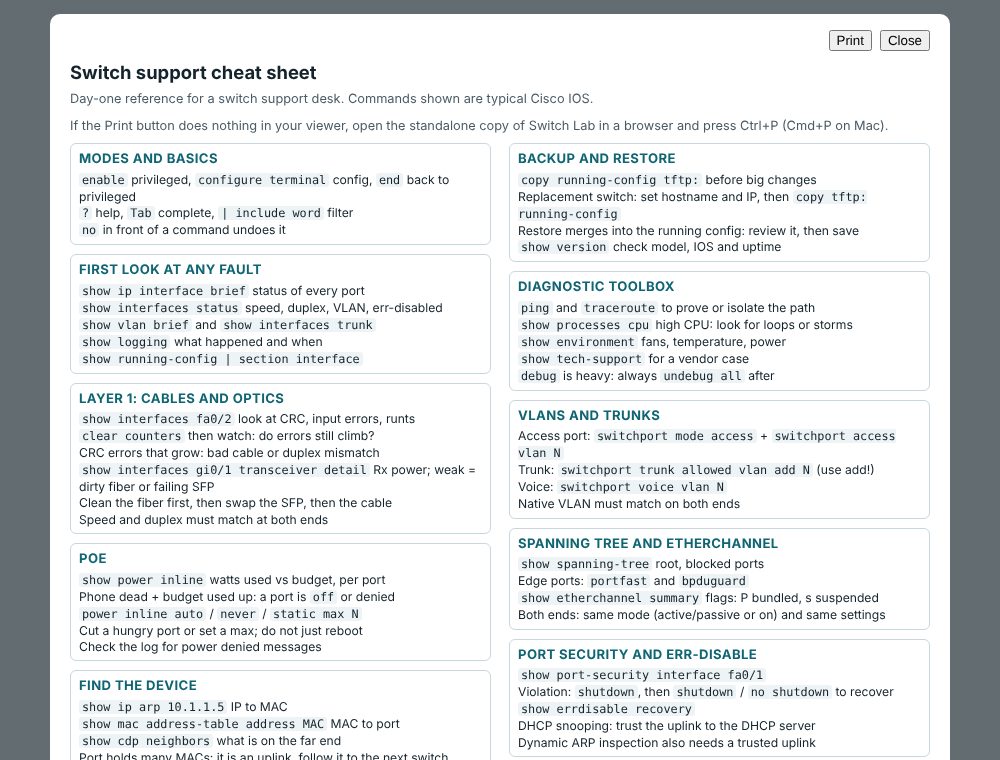
Printable cheat sheet
A one-page reference of the show commands, fixes and ticket-note template used most on the job.
Next: the Routing Lab
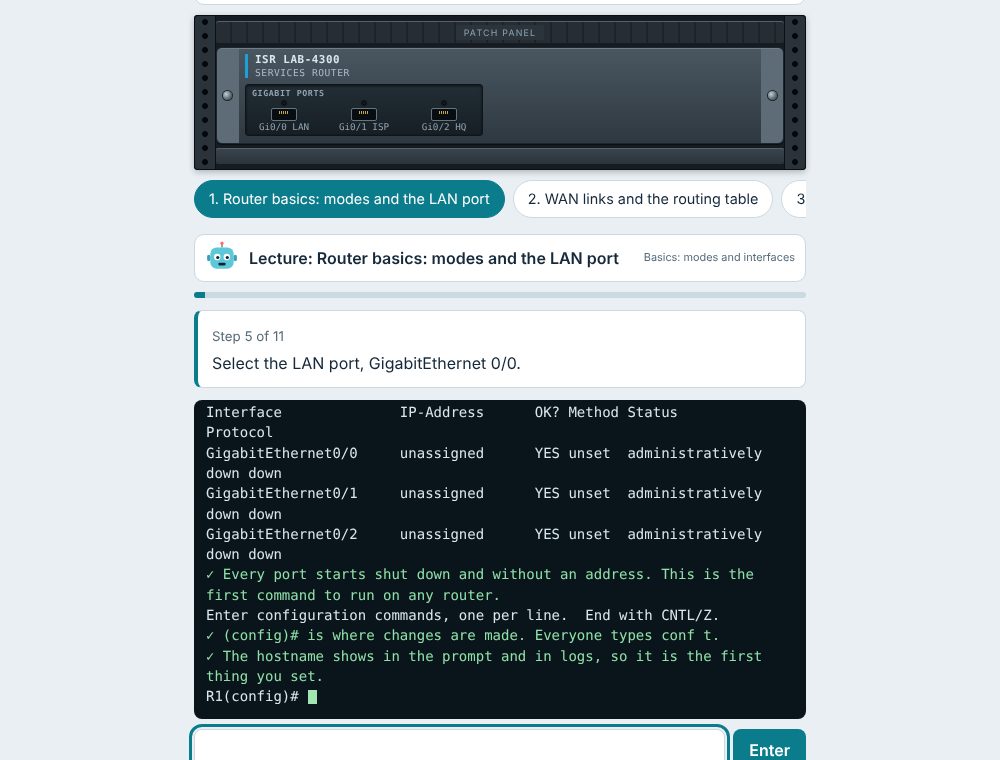
Once the switching is solid, move on to the branch router. Fourteen lessons and 17 tickets cover static and default routes, OSPF, NAT and port forwarding, DHCP, ACLs, IPv6 and HSRP, plus a service desk shift scored on the fix and the ticket note, a subnetting trainer, and a printable cheat sheet.
Then: the Firewall Lab
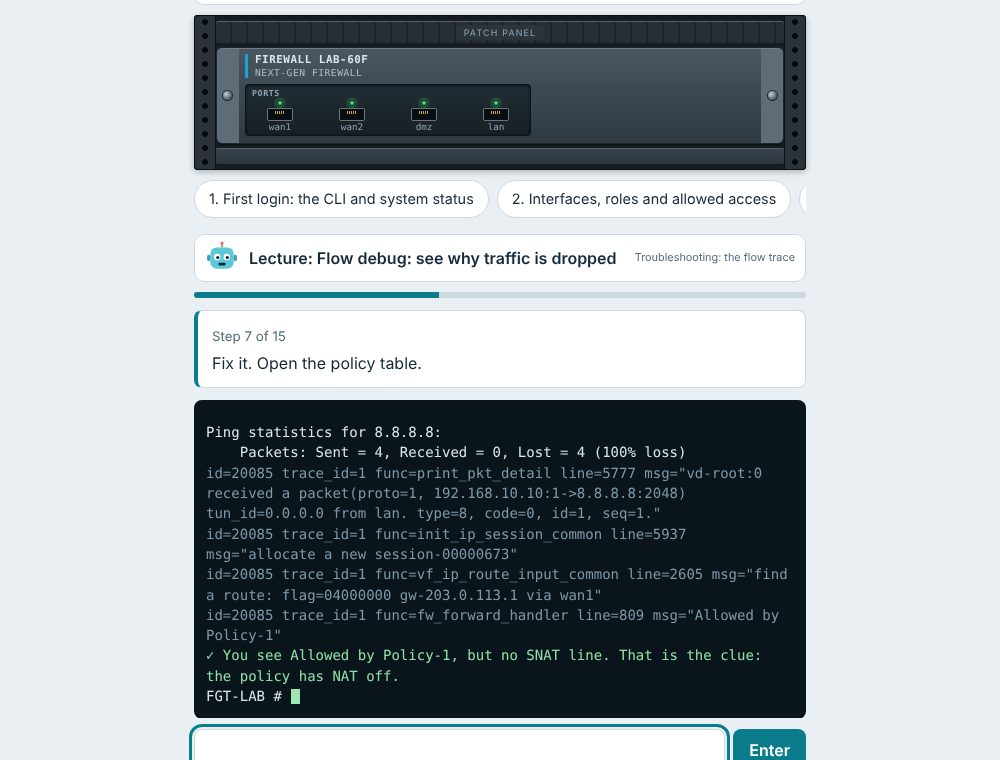
Learn firewall configuration on a FortiGate-style CLI. Thirteen lessons and 20 tickets cover interfaces, static routes, address objects, firewall policies and policy order, NAT, flow debug, DHCP and DNS, virtual IPs, web filter and antivirus, logging, IPsec VPN, and backups. A quiz and a cheat sheet are included. The CLI is a simulator and is not affiliated with Fortinet.
See it working
Who it is for
- Students learning switching for the first time
- Help desk and field staff moving into network support
- Instructors who want a lab every learner can open on any device
Support the labs
These labs are free and always will be. If you find these labs useful and would like to support our work, your donation helps us create more labs and lessons.
Questions
Is it free?
Yes. All three labs are free, with no sign-up and no ads. If they help you and you would like to see more, you can make a donation to help fund new content.
Does it save my progress?
Yes, on your own device only, in your browser. Nothing is sent to a server.
Can I use it offline or install it?
Yes. Open the lab, then use your browser's install option (Chrome and Edge). It then works offline.
Is it the same as a real switch?
It is a simulator that follows Cisco IOS-style commands and output. It covers common behavior and is great for learning and practice, but it is not a full copy of every feature on real hardware.
Can I use it in my class?
Yes. Just share the link. There is nothing to install and no sign-up, and it works on any computer, tablet or phone with a browser.